CoverageScout
Clusters similar questions across all your questionnaires to reveal which topics come up repeatedly and points precisely to where your knowledge base has gaps.
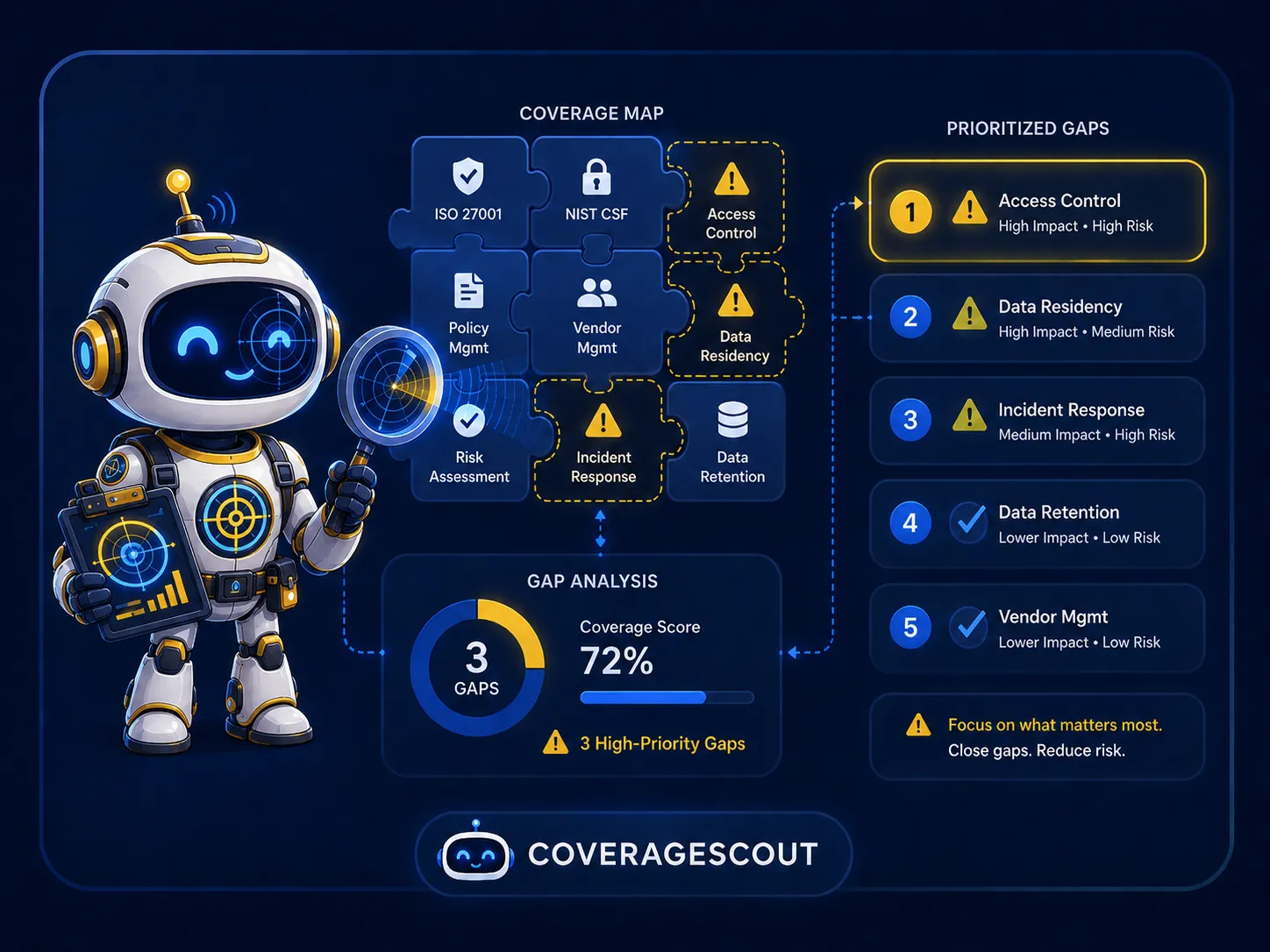
Your recurring gaps, surfaced automatically
Every questionnaire your team answers is a data point. CoverageScout analyses questions across all imported questionnaires, groups semantically similar ones into clusters, and identifies which clusters lack matching entries in your Q&A library. The result is a prioritised list of topics worth documenting, ranked by how often each comes up and how many different clients have asked about it.
- ✓Clusters semantically similar questions across all questionnaires
- ✓Identifies gaps where no matching Q&A library entry exists
- ✓Ranks gaps by frequency and how many clients asked
- ✓One-click flow to create a new Q&A entry from any gap
- ✓Automatically marks gaps as resolved when a matching entry is added
- ✓Dismiss or snooze gaps that are not relevant
How CoverageScout works
Four capabilities that turn your questionnaire history into a knowledge base improvement roadmap.
Cross-questionnaire clustering
CoverageScout compares every question across every imported questionnaire using vector embeddings. Questions that ask the same thing in different words, such as "Do you have a documented incident response plan?" and "Describe your procedures for responding to security incidents", are grouped into a single cluster. A canonical representative phrasing is generated for each cluster.
- Semantic grouping across all questionnaire questions
- AI-generated canonical phrasing per cluster
- Supports multilingual questionnaire inputs
Priority scoring
Not every gap is equally important. CoverageScout scores each cluster by how many times the topic has appeared across all questionnaires and by how many distinct clients have asked about it. Gaps at the top of the list are the ones where a single well-written Q&A entry will have the most immediate impact on future questionnaire throughput.
- Frequency score: how many questions are in the cluster
- Spread score: how many different questionnaires contributed
- Combined priority ranking updated continuously
One-click gap resolution
On any gap, a "Create Q&A" button opens the library editor with the canonical question and a draft answer pre-filled from the cluster's answer history. Once the entry is saved, CoverageScout marks the gap as resolved automatically, keeping the gap list accurate without manual housekeeping.
- "Create Q&A" pre-fills the library editor with question and draft
- Gap marked resolved when a matching library entry is saved
- Dismiss or snooze gaps that are false positives
Stale coverage detection
CoverageScout also surfaces clusters where a matching Q&A entry exists but the evidence linked to it has gone stale. A technically resolved gap can still be a problem if the underlying documentation is outdated. These cases are flagged so your team can refresh the entry before the next questionnaire relies on it.
- Highlights resolved gaps with stale underlying evidence
- Integrates freshness data from ValidityGuard
- Provides a clear path to re-open and update the library entry