InsightTracker
Shows which knowledge base sources your AI relies on most, which team members contribute the most answers, and how many hours the platform is saving each month.
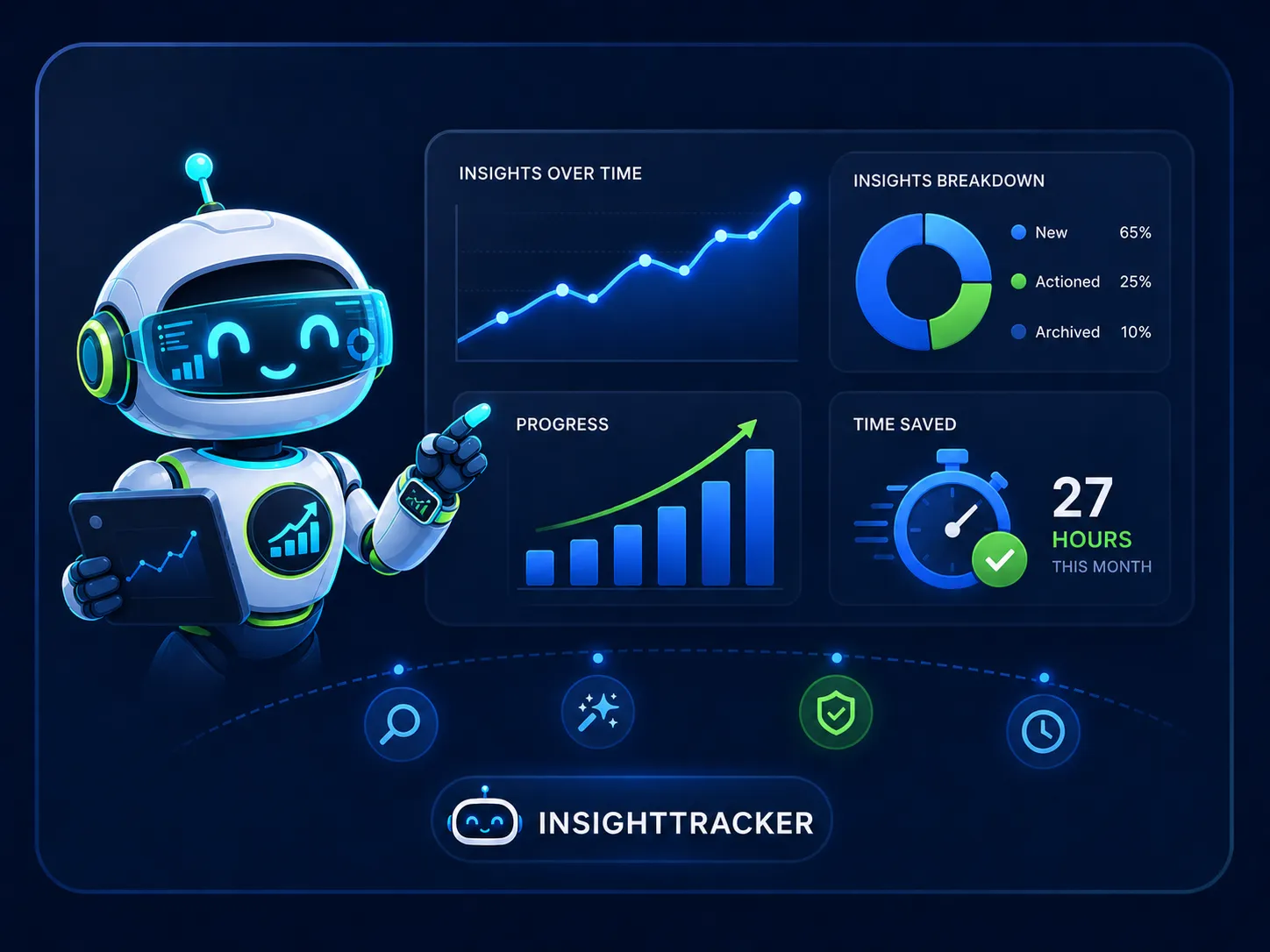
ROI and usage, in one dashboard
InsightTracker aggregates data from across the platform to answer the questions managers and team leads care about most: where are time savings actually coming from, which knowledge base entries are doing the most work, and how active is each contributor? The answers are available on the main dashboard and in the AI usage frequency view, without any manual reporting.
- ✓Tracks which Q&A entries, files, and links the AI cites most
- ✓Calculates AI-estimated time savings per month
- ✓Shows contributor activity broken down by action type
- ✓Monitors AI health: token usage, latency, and success rate
- ✓Workspace-level metrics: active questionnaires, approvals, library size
- ✓Activity timeline grouped by day with AI-generated daily summaries
How InsightTracker works
Four visibility layers that help you understand the platform's impact and keep your knowledge base in good shape.
Source usage frequency
Every time the AI generates an answer it records which sources it drew from. InsightTracker aggregates these references across all questions and questionnaires to show which Q&A entries, files, web links, and past questionnaire answers are cited most often, and which questions relied on each source.
- Ranked list of most-cited Q&A entries
- Separate views for files, links, and past questionnaire answers
- Drilldown shows exactly which questions used each source
Time saved metrics
InsightTracker compares the time a typical manual answer run would take against the time spent reviewing an AI-generated draft. The difference is accumulated across every AI-assisted question run and surfaced on the main dashboard as an estimated hours-saved figure, giving teams a concrete number to point to when discussing platform impact.
- Time saved visible on the main dashboard
- Accumulated across all AI-run questions platform-wide
- Tracked alongside total questions, approvals, and questionnaires
Activity and contributor tracking
InsightTracker logs every edit, approval, import, flag, and AI run across the workspace and presents the history as a timeline grouped by day. Multiple rapid edits from the same contributor in a short window are grouped into a single entry to keep the timeline readable. Each day gets a short AI-generated summary.
- Full audit trail of workspace activity by day and contributor
- AI-generated daily summary for quick scanning
- Grouping reduces noise from rapid sequential edits
AI health monitoring
InsightTracker surfaces the operational metrics behind every AI call: token usage, response latency, success and failure rates, and model information. This gives workspace administrators a clear view of AI system health and allows them to spot any degradation before it affects the questionnaire workflow.
- Per-call log with tokens, latency, and status
- Aggregate success rate and average latency
- AI provider health status visible in workspace settings