Responder
Drafts sourced answers for every imported questionnaire question, drawn from your own Q&A library and uploaded documents.
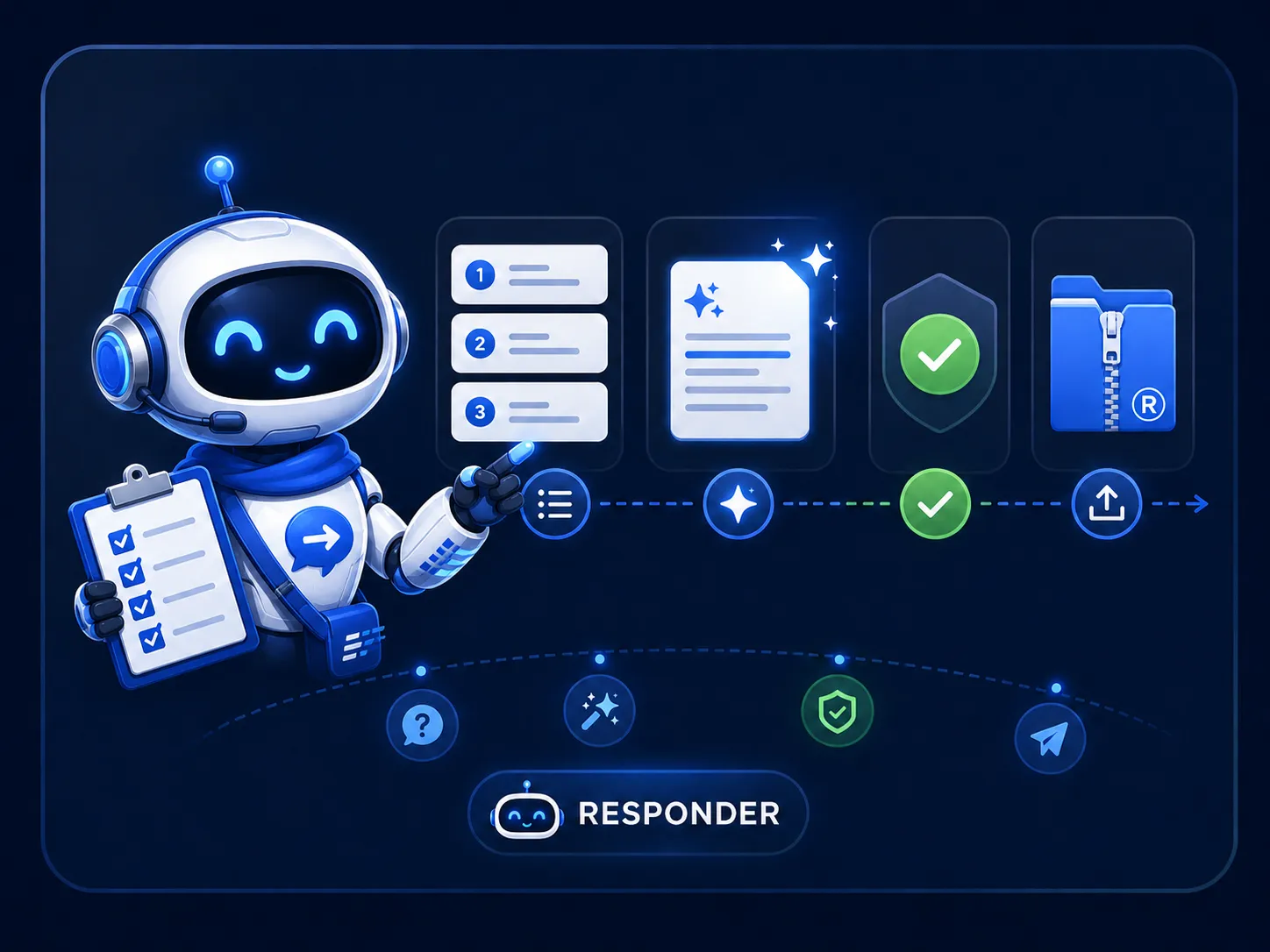
Your knowledge base, put to work automatically
When a questionnaire is imported, Responder immediately searches your Q&A library and uploaded document content for relevant context, then generates a grounded draft answer for every question. Each draft shows the sources it drew from, so your team can verify before approving rather than researching from scratch.
- ✓Automatically processes all questions on import
- ✓Searches Q&A entries and full document content
- ✓Every draft links back to the sources it used
- ✓Flags answers where no grounded context was found
- ✓Re-run on any question after updating knowledge
- ✓Human review and approval before any answer is exported
How Responder works
Four capabilities that turn raw questionnaire questions into verified, exportable answers.
Semantic knowledge search
Responder understands the intent of each question, not just the keywords. It scores your Q&A entries and document chunks by semantic similarity, so a question about "data residency" finds your GDPR policy even if those exact words never appear in it.
- Vector-based similarity matching across library and files
- Searches Q&A entries and indexed document passages
- Configurable similarity threshold to control match confidence
Source-linked draft answers
Every draft Responder generates comes with a list of the specific Q&A entries, file passages, and past questionnaire answers it used as context. Reviewers can click through to the original source before approving, making the review faster and more confident.
- Linked references to Q&A entries, files, and past answers
- Similarity scores shown per source
- Unsourced flag when no grounded context was found
Full-questionnaire processing
Responder runs automatically across every question the moment a questionnaire is imported. You can also re-trigger it on individual questions after adding new knowledge base content, without touching the questions that are already approved.
- Automatic processing on questionnaire import
- Per-question re-run available at any time
- Works across all modules and tag scopes in a questionnaire
Human-in-the-loop approval
Responder's output is always a draft. Every answer must pass through your team's review before it can be exported. Reviewers edit inline, override with a manual answer, or approve as-is. Nothing leaves Responsemate without a sign-off.
- Edit AI draft inline at the question level
- Approve or override each answer individually
- Approval tracked per reviewer with timestamp