ValidityGuard
Monitors the age and validity of every document in your knowledge base, flagging anything stale, expired, or due for review before it causes a problem.
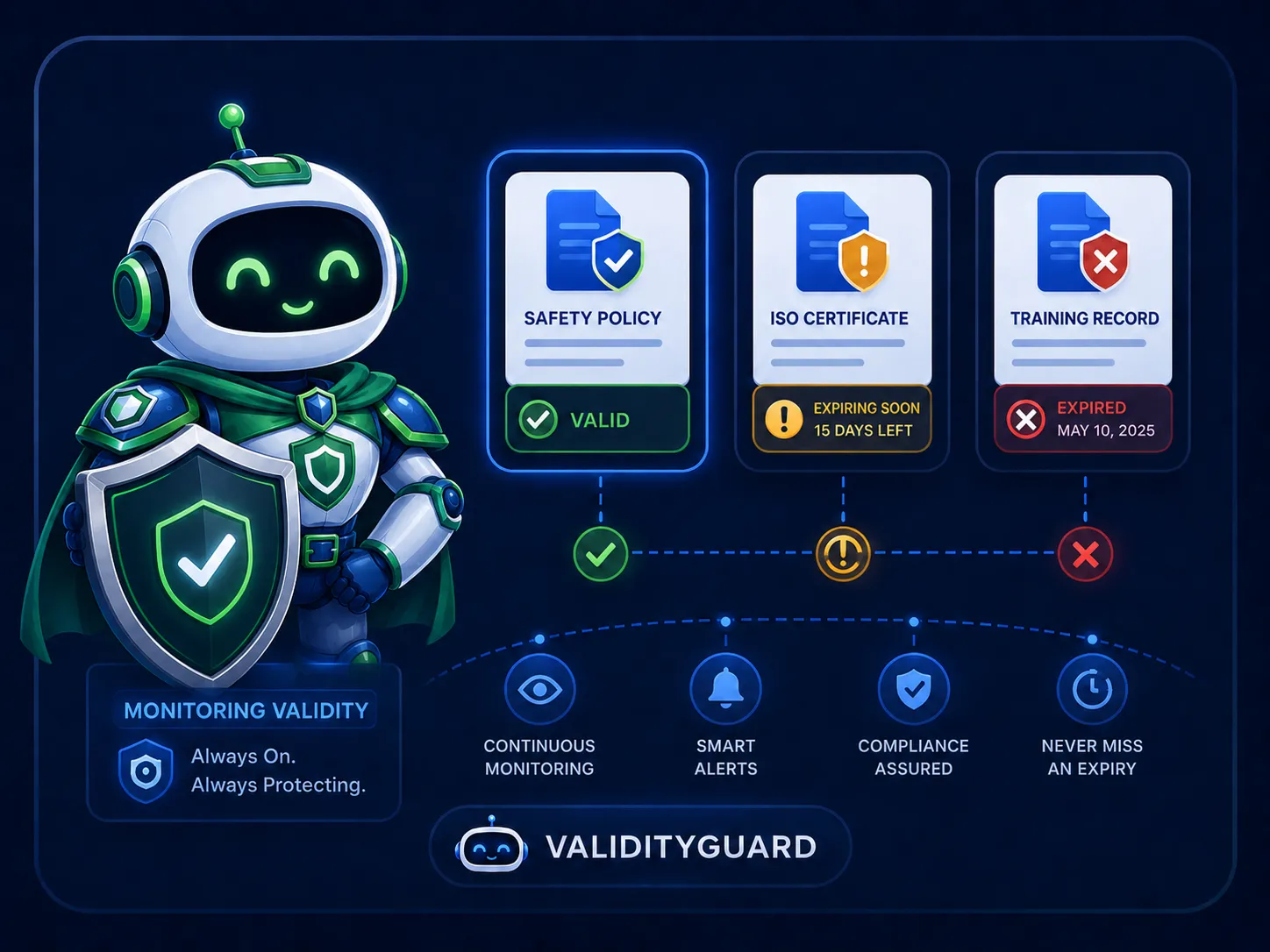
Evidence freshness, always visible
Security questionnaires often ask for documents with implied recency requirements: a penetration test from three years ago or an ISO certificate that expired last quarter can undermine a response that is otherwise accurate. ValidityGuard reads the metadata and content of each uploaded document to determine its freshness status, and keeps that status visible wherever the document appears in your workflow.
- ✓Automatically detects publication dates and version numbers
- ✓Applies freshness rules based on document type
- ✓Four-state freshness badge: fresh, stale, expired, needs review
- ✓Flags questions with outdated attached evidence
- ✓Surfaces stale items in knowledge gap reports
- ✓On-demand freshness refresh for any document
How ValidityGuard works
Four capabilities that ensure the evidence your team relies on is always current.
Automatic freshness detection
When a document is uploaded, ValidityGuard analyses its content and metadata to extract publication dates, version numbers, validity periods, and any explicit expiry signals. This assessment runs automatically on every new upload and can be refreshed on demand as documents age.
- Extracts dates and version metadata from document content
- Runs automatically on every new upload
- Refresh button available on any document at any time
Document-type freshness rules
Different document types have different shelf lives. ValidityGuard applies type-aware rules: an ISO certificate might be flagged stale after twelve months while a data processing agreement is treated differently from a penetration test report. The result is context-aware freshness rather than a one-size-fits-all age check.
- Freshness rules vary by document type and category
- Detects supersession when a newer version is uploaded
- Confidence score on each freshness assessment
Warnings inside the questionnaire workflow
Freshness status travels with the document. When EvidenceFinder suggests a file as evidence, the freshness badge appears alongside it so reviewers see the status before they attach. If an already-attached file later becomes stale, a warning appears on that question during review.
- Freshness badge on all file suggestions from EvidenceFinder
- Warning on questions with stale or expired attached evidence
- Visible in the questionnaire files tab and question panel
Knowledge base review queue
ValidityGuard surfaces stale and expired knowledge base items in a dedicated review filter. Teams can work through a prioritised list of documents that need updating, replacing, or retiring. This keeps the knowledge base accurate without requiring a scheduled manual audit.
- "Needs review" filter in the knowledge library
- Stale evidence highlighted in CoverageScout gap reports
- Reviewer can reassign documents for renewal