Answer security questionnaires from your own knowledge base
Import the file a customer sent you. Responsemate drafts every answer from your policies, documents and past answers, shows which sources it used and how confident it is, and your team approves before anything leaves.
Danish company · EU data hosting · Your data is not used to train AI models
Used by



How it works
One setup, then the same four steps for every questionnaire.
One-time setup
Build your knowledge base
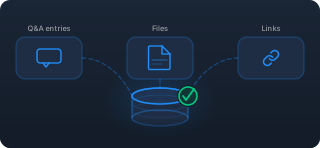
Write Q&A entries or import them from a spreadsheet. Upload policies, certificates and reports, add the pages of your trust centre, or connect a SharePoint library and let it sync. Responsemate reads all of it and keeps track of how fresh each source is.
Every questionnaire

Import
Drop in the Excel, Word or PDF file, or paste the text. The AI reads it, finds the question and answer columns on every sheet and fills in the import form for you.

Drafts with sources and confidence
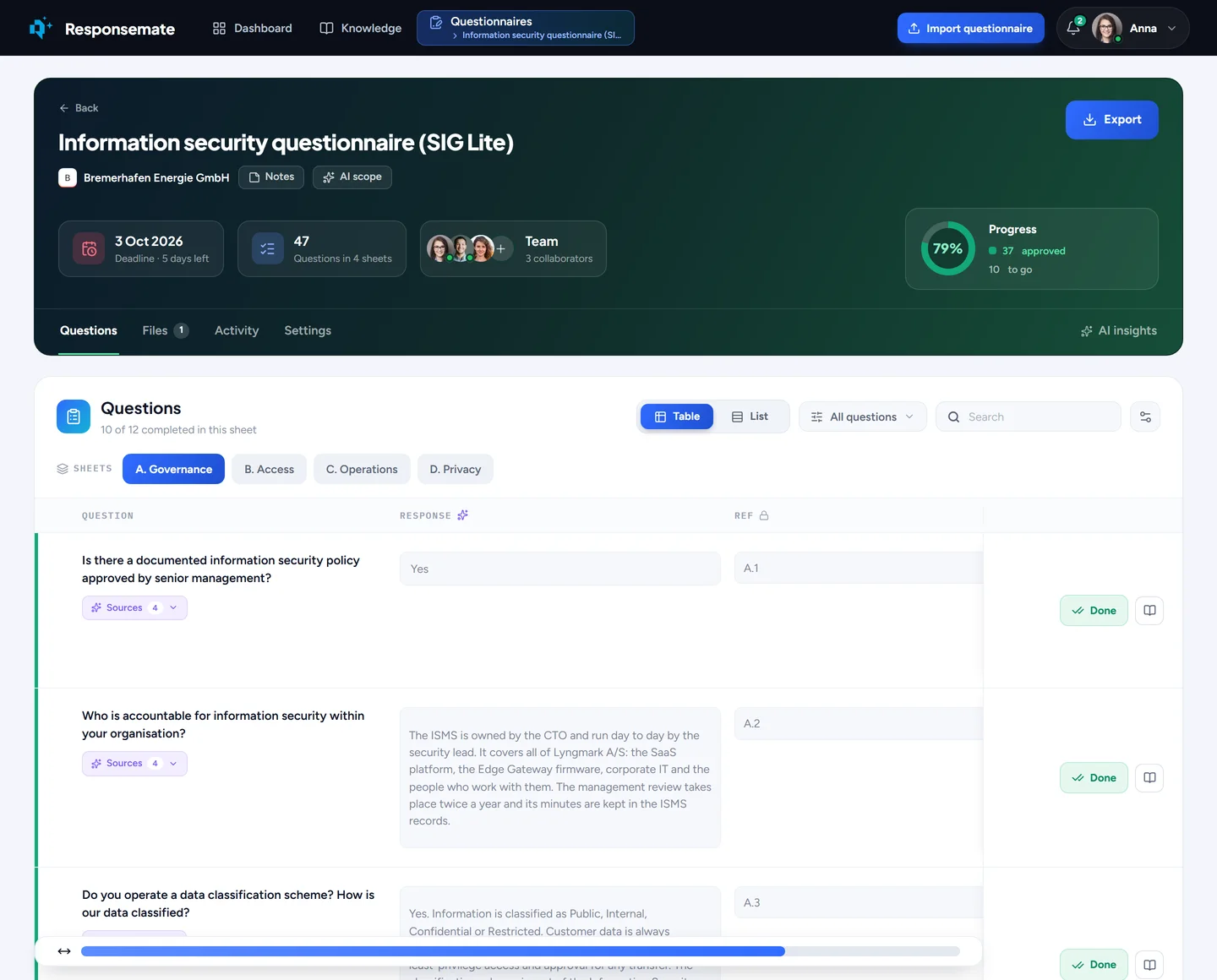
Every question gets a draft from your knowledge base, with the sources it used and a High, Medium or Low confidence that explains itself.

Review and approve
Edit, shorten or validate an answer with the AI tools on the cell, assign the hard ones to a colleague, flag what needs a second look, and approve one by one or all at once.
Export
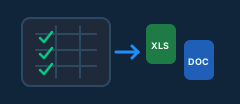
Download the finished questionnaire as the Excel or Word file the customer sent, every sheet and column in place. The approved answers feed the next questionnaire.
What needs you, and how the AI is doing
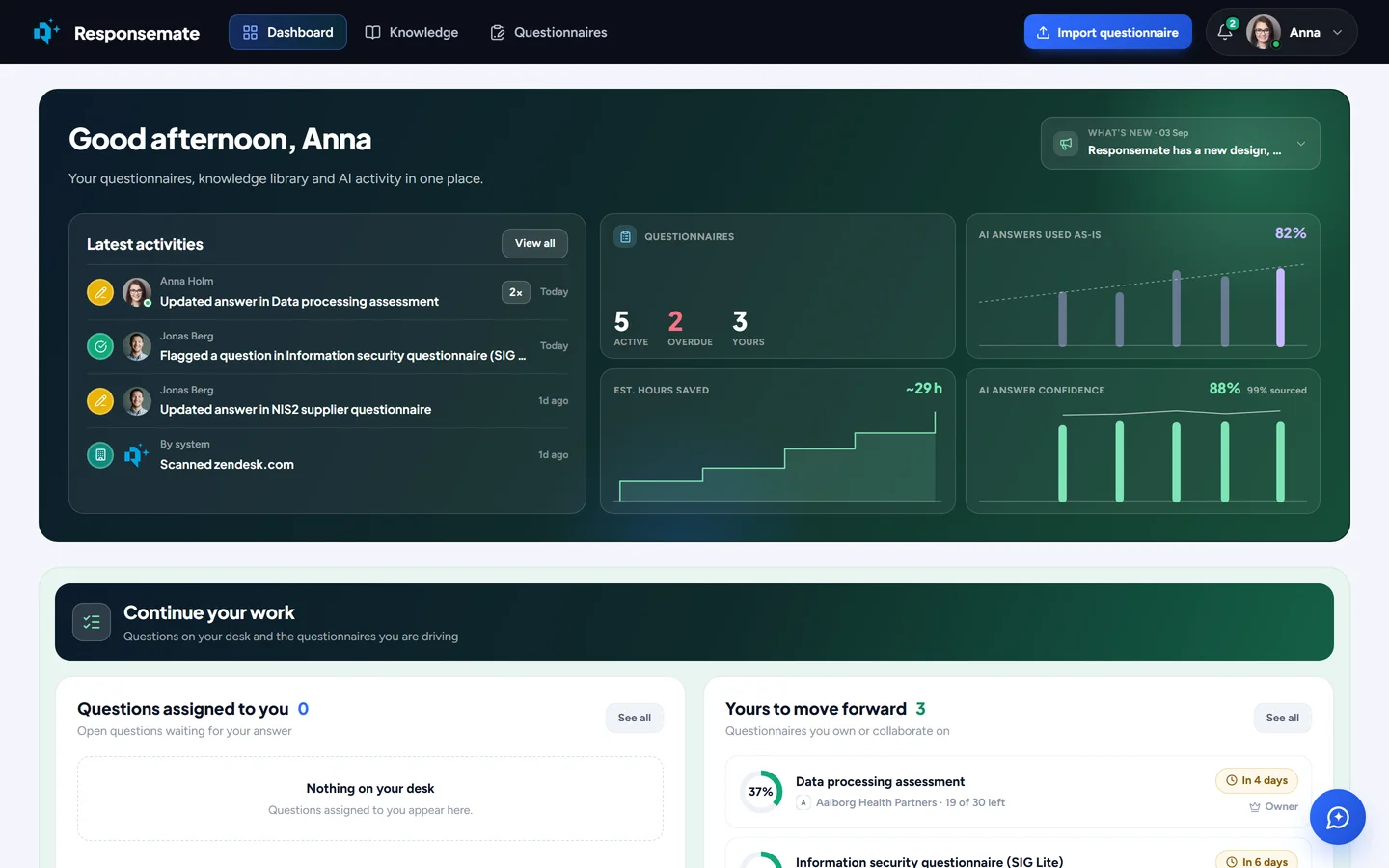
The dashboard counts the questionnaires that are active, overdue or yours, the questions on your desk, and what the AI has done with its drafts: how many were used as they came, how confident they were, and the hours it saved.
What is in the product
Six areas, the same ones you see in the app's navigation.

Questionnaires
Import any file, get a sourced draft with a confidence score on every question, review with your team, pick the answer variant that fits the customer, and export in their own layout.
Read more →
Knowledge
Q&A entries, files, links and past questionnaires on one page. Expiration dates and freshness, a nightly cleanup that finds duplicates and conflicts, and suggestions for what to add.
Read more →
AI assistant
A side panel on every page that answers from your knowledge base and can act: approve, assign, rewrite, attach evidence, tidy the library. Every action is a proposal you confirm.
Read more →
Reports and clients
Every customer's contract documents and questionnaire history, an AI usage report that shows which sources the AI used and the hours saved, and a searchable record of everything that happened.
Read more →
Dashboard
Your questionnaires, the questions assigned to you, deadlines on a calendar, the freshness of your knowledge bank and what the AI did today, on one screen.
Read more →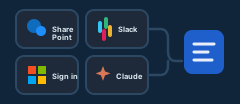
Team and integrations
Admins, members and viewers. Sign in with Microsoft. SharePoint sync, Slack, a Claude connector, and your own choice of AI provider with your own keys.
Read more →Why not just ask an AI?
Ask an AI assistant a question from a security questionnaire and you get a good paragraph. Responsemate is for the two hundred questions in the customer's file, answered from what your company has actually decided, and sent back the way they came.
-
1
It works in the questionnaire, not beside it
Import the customer's file, get drafts in the cells, review as a team, attach the evidence, and export the answers into the customer's own file. No copying two hundred answers in and out of a chat.
-
2
Every draft shows its sources and says how sure it is
Each answer lists the sources it came from and carries a High, Medium or Low confidence with the reasons. Reviewing means reading the passage, not checking your policies from memory.
-
3
A knowledge base built for questionnaires
Your approved answers, past questionnaires and documents, dated, cleaned nightly, matched to every question. You decide which modules, tags, sheets and files apply. An assistant with your files has a pile of documents; this is the answers you stand behind.
-
4
Gets better over time
Every questionnaire makes the next one better
Every answer you approve becomes a source for the next questionnaire, and the usage report shows the share of the work the knowledge base carries growing month by month. A chat keeps the conversation; it does not learn your approved answers.
-
5
Nothing leaves without a person approving it
Drafts wait for review, every action the assistant takes is a proposal you confirm, and who did what is on the record, which is what the reviewer on the other side will ask about.
Your data is not used to train models, the AI runs under API terms in the EU where the provider offers it, and you can bring your own key. Read how Responsemate compares with a general AI assistant →
Three things to check in the demo
Bring one of your own questionnaires and look for these.
Each answer lists the Q&A entries, files, links and past answers it was built from. Open one and read the passage the AI used.
How squarely the sources answer the question, how well they match it, how earlier drafts from them held up, and how fresh they are. Sort by it and review the weak ones first.
Only approved answers are exported. When the assistant wants to act, it shows a proposal first, you confirm it, and most actions can be undone from the same reply.
Your documents stay yours
Responsemate ApS is a Danish company. Customer data is hosted in EU regions and is not used to train AI models. You choose the AI provider, and you can bring your own keys for OpenAI, Anthropic, Azure OpenAI, Google, Mistral or Bedrock.
Read about security and data handling